How to Create Motion Graphics for Your Startup in 10 Minutes
To create startup motion graphics in 10 minutes, upload your logo to MotionVid, prompt in four parts and export each ratio. Steps, copy-paste prompts and costs.
Co-founder, MotionVid ·
Your launch page needs a 15-second animated clip by Friday. The motion designer you reached out to came back with a quote well over what you'd budgeted, and the After Effects tutorial you opened runs longer than the clip you want.
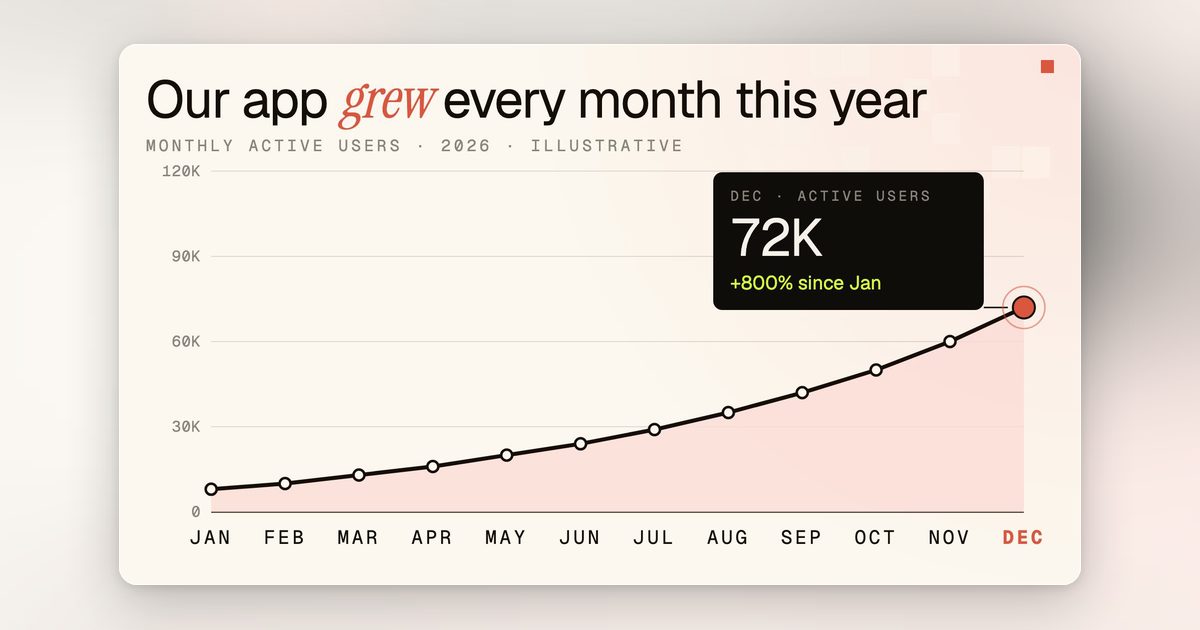
Startup motion graphics are short animated clips, like a logo reveal or a signup number counting up, that explain your product with moving shapes and text instead of filmed footage.
The clip this guide builds, from one logo PNG and two prompts.
Here's how to create motion graphics for your startup in 10 minutes of your own working time per clip, with render time on top, and without the designer or the tutorial. Upload your logo or write one sentence describing the scene, and an AI motion graphics generator builds the clip with its audio. Fix one line, then export each aspect ratio you publish. Writing the prompt is the only skill involved, and the formula is below; it goes fastest with your logo file and brand hex codes already open.
Quick answer
Open MotionVid.ai, an AI motion graphics and video generation tool, and pick the mode that matches what you have. Use image to video for a logo or product shot, and motion graphics from text for a chart, diagram or metric card. Write one prompt that names the subject, the motion, the on-screen text and your hex codes. Then choose a style pack, turn on narration and music, generate, and export each aspect ratio separately. MotionVid's Starter plan is $19/month for 500 credits, per its published pricing. The trade-off: plans have a credit cap and there are no keyframes, so exact easing work stays in After Effects. If your budget is truly $0, CapCut's free version can put animated text over a screen recording.
Full disclosure: MotionVid is our product, and we make money when you subscribe. There are four cases where we'd still send you somewhere else. If you already filmed the footage and only need cuts and captions on top, use CapCut or Premiere. If the animation has to ship inside your app as a Lottie file, you need After Effects with a Lottie exporter. If you need a real 3D render of your product with exact geometry, use Blender, which is free and built for that. And if you want a talking avatar to present your launch, HeyGen or Synthesia do that job, because MotionVid has no avatar presenter.
How we tested this workflow
The MotionVid steps and prompts here come from using MotionVid ourselves, and the details on Canva, CapCut and After Effects come from their own linked product pages. The minutes on each step are working time per clip and don't include render time.
By the numbers
- MotionVid's Starter plan is $19/month for 500 credits and 60 export minutes, per motionvid.ai/pricing as of September 2026.
- MotionVid's published sizing puts Starter's 500 credits at roughly 15 to 30 videos a month, because each generation draws credits based on mode, model and length (motionvid.ai/pricing, September 2026).
- On yearly billing, MotionVid's Ultimate plan costs $359.88/year, which works out to $29.99/month, compared with $49 on monthly billing, per its published pricing as of September 2026.
- MotionVid's one-time credit packs start at $10 for 150 credits plus 15 export minutes and go up to $100 for 1,500 credits plus 150 export minutes, per motionvid.ai/pricing as of September 2026.
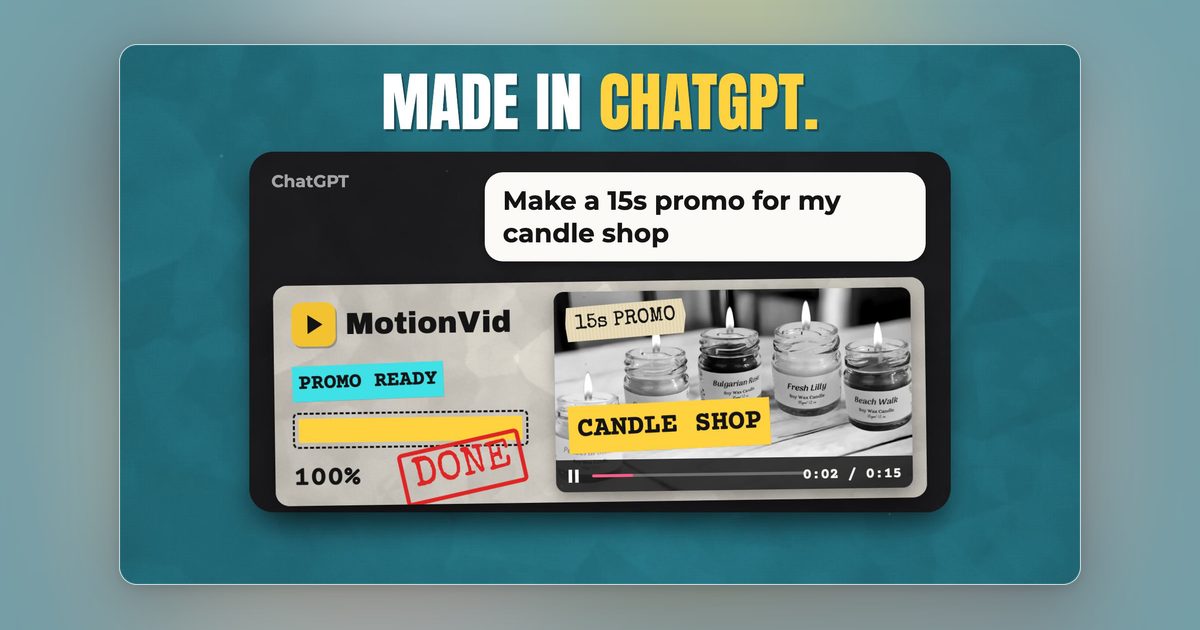
- Since 25 September 2026, MotionVid is listed in ChatGPT's app directory and works on any paid plan. Claude connects through MotionVid's MCP connector, documented at motionvid.ai/api.
How to create motion graphics for your startup, step by step
Most launches need four clips. There's a hero reveal of your logo for the top of the landing page, and a feature explainer that shows one mechanic as a diagram. There's a 9:16 cut for Reels and Shorts, and a metric card with one number counting up for launch-day posts. The workflow below makes any of the four. Only the prompt changes between them.
1. Write the one line the clip has to land (1 minute)
In one line: before you open any tool, write the single sentence you want a viewer to walk away with, and keep it to one idea.
> Every courier on one screen.
What good looks like: a stranger can repeat it back after hearing it once.
The mistake: writing your feature list ("live tracking, route optimization and driver chat"). A 15-second clip has room for one idea, and every extra one takes seconds away from it.
2. Pick the mode that matches what you already have (1 minute)
Motion graphics from text builds charts, diagrams and kinetic type from a description. Image to video animates a file you upload, so use it for a logo or product shot. Start and end animation sets the first and last frame. The mistake is describing your logo in words while the PNG sits on your desktop. Upload the file.
3. Write the prompt in four parts (2 minutes)
Write the subject, the motion, the on-screen text and the look, in that order, as in this shortened version of the Fleetwren logo prompt:
> Four rounded rectangles slide in from the frame edges and assemble center frame, then the wordmark fades in. Navy #0B1F3A background, coral #FF6B4A accent. On-screen text: "Fleetwren. Every courier on one screen." 16:9.
Every noun should name something that moves or something written on screen, because "premium, dynamic, modern" gives the model nothing to act on.
4. Pick a style pack and put your hex codes in every prompt (1 minute)
Pick one style pack per series: Vox, Johnny Harris or News Map (Atlas, Blueprint, Navy, Noir). The looks are inspired by those creators, and MotionVid isn't affiliated with or endorsed by Vox Media or Johnny Harris. Stick with one pack so clip four and clip fourteen look like the same company made them.
5. Set narration, music and sound effects before you generate (1 minute)
MotionVid generates narration, music and sound effects with the picture, toggled per project. For a muted-autoplay hero, keep only a light music bed; for the explainer, paste your script as narration.
Good means every word of narration stays clear over the music. The mistake is leaning on the voice in a muted clip, because the on-screen text has to work with the sound off.
6. Generate, then fix one line instead of the whole clip (2 minutes)
Check two things: the text reads at phone size, and the last frame holds long enough to read. If one element is off, change the prompt sentence that produced it. Timing fixes rarely need a new generation; trim or reorder scenes on the timeline instead.
What good looks like: you can point to the single prompt line you'd change.
The mistake: regenerating the whole clip for one miss. Every generation uses credits.
7. Generate each aspect ratio separately, then export (2 minutes)
Use 16:9 for the landing page and YouTube, 9:16 for Reels, Shorts and TikTok, and 1:1 for LinkedIn. Rerun the prompt for each ratio, because cropping cuts off your text:
> Same logo assemble, vertical: the mark builds in the upper third, wordmark and tagline stack below, clear space at the bottom for captions. 9:16.
The whole thing, start to finish
Fleetwren, a made-up courier dispatch app, needs a hero clip for its launch page. Upload the logo PNG to image to video with the hero prompt, and pick the Vox style pack at 16:9 with narration off, since the page autoplays muted. If the wordmark goes by too fast, change that line to "fades in over one second and holds" and run it again. Then run the vertical prompt for the Reel. It takes about 10 minutes, including one revision. For more, see our product-launch motion graphics guide.
Tips that make it look professional
At 1080p, keep cap height near 90 pixels and cards to six words, then check the 9:16 cut on your phone. Hold the last frame 1.5 to 2 seconds. Snap card changes to MotionVid's beat markers. On busy charts, a 40% to 60% dark scrim beats a new color, and only the metric's number goes coral.
8. MotionVid: best for startup launch clips, logo animations and explainer scenes
MotionVid is the pick when you start from a logo, product shot or script instead of filmed footage, and drawing-to-video animates a photo of a whiteboard sketch. We rate it 8.5/10, our own hands-on score of our own product; it loses points for having no keyframes, a gap MotionVid vs After Effects covers.
9. Canva: consider only for static brand assets and light animation in decks
Canva is a design tool with animation presets. It's the better buy if you need a pitch deck and social graphics rather than motion. Its motion tools animate elements you've already placed, so chart builds and explainer scenes mean timing each layer yourself. Canva lists prices at canva.com/pricing; we haven't verified them.
10. CapCut: consider only for cutting footage you already shot
CapCut is a video editor. For a demo you filmed at your desk that needs captions and animated titles, it's the right tool. Its free version also makes it the honest pick for a true $0 budget; check capcut.com for current limits.
11. After Effects: consider only for keyframe control or a Lottie export
Adobe After Effects is still the tool for exact easing curves, expressions and frame-by-frame control. It's also what you need when the animation has to ship as a Lottie JSON file that your app renders at any size. The cost is a learning curve that takes weeks. Adobe lists current plan prices at adobe.com/creativecloud/plans.
What it costs
A typical launch is about 16 clips: four clips in two or three ratios, plus re-runs on a third of them. That fits Starter's published 15 to 30 videos and its 60-export-minute cap, so $19 covers a launch month unless you mostly use credit-heavy modes.
| Plan | Monthly | Yearly billing | Credits/month | Export minutes/month | Videos/month at published sizing |
|---|---|---|---|---|---|
| Starter | $19 | $179.88/yr ($14.99/mo) | 500 | 60 | ~15-30 (published) |
| Pro | $29 | $239.88/yr ($19.99/mo) | 800 | 100 (unlimited on yearly) | ~24-48 (derived) |
| Ultimate | $49 | $359.88/yr ($29.99/mo) | 1,500 | 200 (unlimited on yearly) | ~45-90 (derived) |
| Creator | $249 | $2,159.88/yr ($179.99/mo) | 8,000 | Unlimited | ~240-480 (derived) |
Whichever limit runs out first, credits or export minutes, stops you. Pro adds 4K infographic exports, and Ultimate and Creator add the developer API and bring-your-own-keys. Watch the credit counter on your first few clips before you pick a tier (pricing page).
Where MotionVid loses
In one line: five jobs in a startup's video pile belong to other tools, and MotionVid can't do any of them for you.
A generated clip can look like your founders or your hardware and still not be them, so shoot real footage on a phone or pull it from Canva's stock library. HeyGen and Synthesia build on-camera presenters, while MotionVid's character library keeps a cartoon or 3D character consistent but has no avatar mode. CapCut or DaVinci Resolve cuts footage you shot, and After Effects (or Blender for 3D) owns keyframes, easing curves, expressions and Lottie export.
Then the meters. Credits and export minutes (Starter 60 a month, Pro 100) are separate caps, and whichever runs out first stops you. Every re-roll draws credits again, so a heavy week can drain Starter's 500 credits (roughly 15 to 30 videos a month at our published sizing) well before the export cap. Credit packs top up at extra cost: $10 buys 150 credits and 15 export minutes.
Blender is free and CapCut has a free version, while MotionVid starts at $19 a month.
How to Choose
- What are you starting from?
- A logo, product shot or launch idea: use image to video or motion graphics from text → MotionVid
- Footage you filmed that only needs cuts and captions → CapCut
- Must it ship inside your app as a Lottie file?
- No, a video file is fine → MotionVid
- Yes, built on a keyframe timeline → After Effects
- Is your budget truly $0 this month?
- No: Starter at $19 for 500 credits, or Ultimate at $49 for around 60 clips a month → MotionVid
- Yes: the free version, after checking current limits on capcut.com → CapCut
Final verdict
Upload your logo to image to video with the four-part prompt, then generate 16:9 and 9:16 as separate passes. That gives you a launch clip and a social cut with no motion designer. Hold the final frame 1.5 to 2 seconds and keep text cards to six words or fewer, then pick a tier on the pricing page.
Frequently asked questions
How do I make motion graphics for my videos without learning After Effects?
Describe the scene in plain English and let a generator build it. In MotionVid, pick motion graphics from text, or image to video for a logo. Write one prompt naming the subject, the motion, the on-screen text and your colors, then choose a style pack and export. You don't set any keyframes, and the timeline trims, splits and reorders the scenes it builds. Writing the prompt is the only skill involved, and the four-part formula above covers it.
What is a good CapCut alternative for motion graphics and animated text?
MotionVid, when you want the motion generated for you instead of building it from assets you supply. CapCut edits footage and animates elements you bring, while MotionVid generates the scene, the kinetic text and the audio together from a description. MotionVid's Starter plan is $19/month for 500 credits and 60 export minutes, per its published pricing as of September 2026. Keep CapCut for the opposite job, which is cutting footage you filmed yourself.
What is the best AI tool to create a product launch video for a startup?
MotionVid, for the launch video most startups need: a logo or product shot animated into a short ad, plus explainer scenes built from the launch script. Narration, music and sound effects are generated in the same render. Generate 16:9, 9:16 and 1:1 as separate passes so the clip fits both the page and the Reel. If you want a talking avatar presenting instead, use HeyGen or Synthesia. See our [product-launch guide](/blog/best-ai-motion-graphics-for-product-launch).
Which AI video tool keeps motion graphics in a consistent brand style for a company?
MotionVid, as long as you set two things once and stick with them: one style pack, and your exact hex codes in every prompt. Use the same pack for the hero clip, the explainer, the social cuts and the ads, including every aspect-ratio version. If your brand has a mascot, build it once in the character library and it stays consistent across scenes. When a launch looks like three different vendors made it, it reads as three different companies.
Can a beginner really do this in 10 minutes?
Yes, for one clip, once your logo file and brand colors are open. The budget is one minute for the message, one for the mode, two for the prompt, one for the style pack, one for audio, two for review and two for export. Render time depends on the mode and length. Your first clip will take longer because writing prompts takes practice, and it gets faster once the four-part formula is a habit.
How much does it cost to make 60 motion graphics clips a month?
Ultimate is the plan where 60 clips land inside the credit range we derived from MotionVid's published Starter sizing. It costs $49 a month, or $29.99 a month on yearly billing ($359.88 a year), and Starter's and Pro's credits run out before you reach 60. Credit use varies with the mode, model and clip length you pick, so check the credit counter on your first few clips before you plan a full month around it, and see the cost section above for the per-clip math on each plan.
Can I make videos from ChatGPT or Claude instead of opening the app?
Yes. Since 25 September 2026, MotionVid is listed in ChatGPT's app directory and works from ChatGPT on any paid plan. Claude and other AI apps connect through MotionVid's MCP connector, documented on the [API page](/api). This helps when a clip is one step in a bigger task, like drafting launch copy and generating the matching video in the same chat. The developer API itself is only on the Ultimate and Creator plans.
Which motion graphics tool works best for a marketing agency producing lots of client videos?
MotionVid, on the Ultimate or Creator plan. Creator is $249/month for 8,000 credits with unlimited exports. Ultimate is $49/month for 1,500 credits and 200 export minutes, and yearly billing makes its exports unlimited. Both prices come from MotionVid's published pricing as of September 2026. Both tiers add the [developer API](https://motionvid.ai/api) and bring-your-own-keys for batch work. Pick one named style pack for each client and don't switch it. For a SaaS client that might be the Vox cutout look. Then paste that client's hex codes, say their navy and lime, into every prompt so each clip for the account matches the last one. If the client has a mascot, build it once in the character library so it looks the same across scenes and across videos.
Written by Nick Nicolaou, co-founder of MotionVid.ai. A working photographer and videographer, Nick uses MotionVid daily for product and launch videos.